Bring Every Format Into One Flow
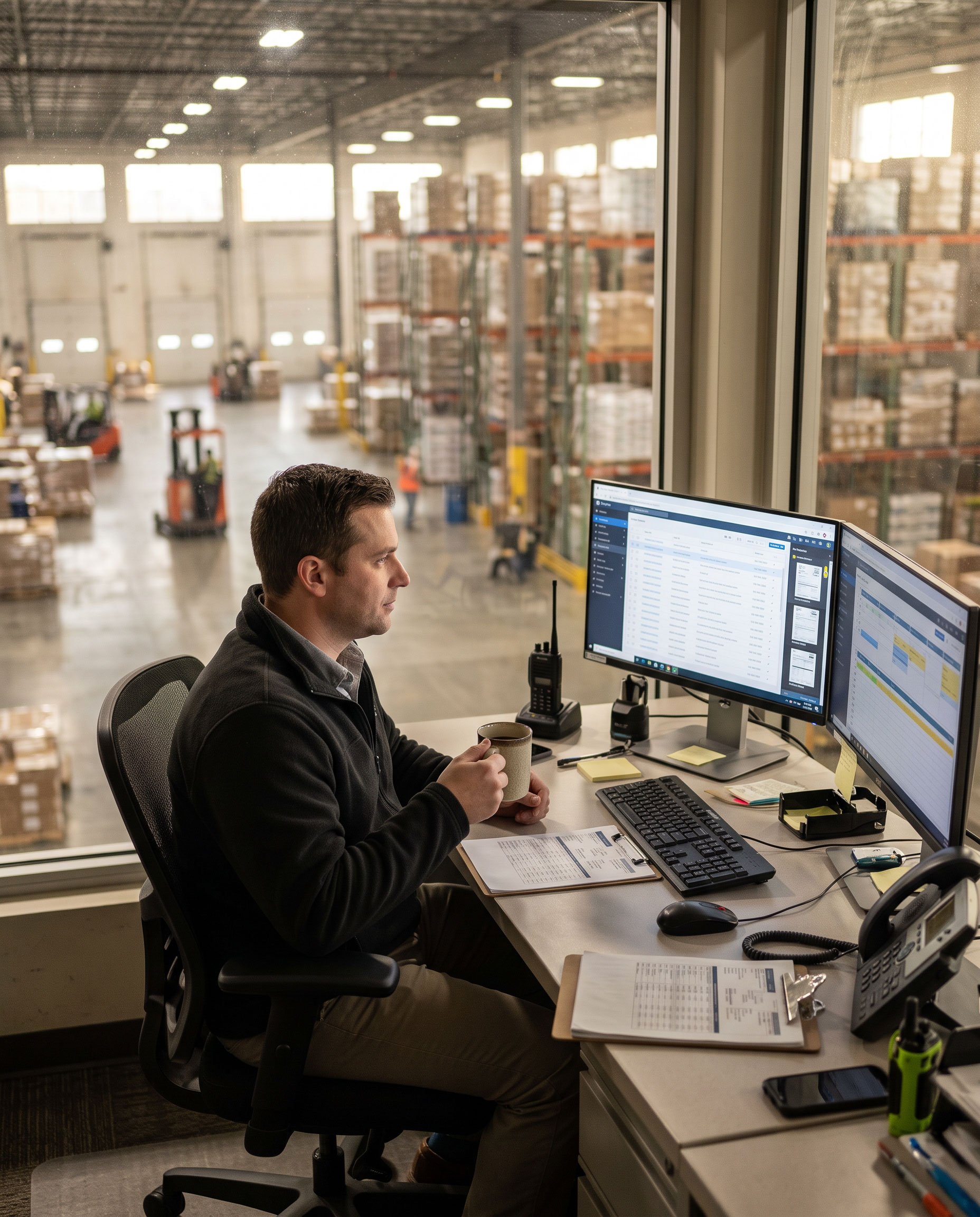
Receive documents from multiple sources and formats — including raw data, XML, PCL and PDF — without forcing every upstream application to change how it works.

Path Solutions · Document Logistics
One delivery pack for every route — from every system you already run.
Document logistics
Delivery documents arrive from many applications and in many formats. Drivers still need one clear pack for the route. Customers still need a signed delivery note. Finance still needs proof before invoices get paid.
ZippyPath is DocPath's document logistics solution. It receives documents from the systems you already use, merges them into the route pack, supports signatures on delivery and brings signed documents back through self-service scanning — reconstructed, archived and ready when billing and customers ask for them.
The challenge
Manual merges slow the dock — and delay cash collection.
Transport, logistics and distribution operators depend on delivery notes, bills of lading, labels and related documents at every stop. Those documents are often produced by different applications, in formats such as raw data, XML, PCL and PDF.
Without a dedicated document logistics flow, teams merge packs by hand, drivers leave with incomplete or disordered sets, signatures go missing on the road, and return scanning at the warehouse becomes a bottleneck. Customers then delay payment because the signed document “never arrived.”
Different applications produce the papers a single route needs.
Staff assemble the driver's pack on separate devices, with delays, mistakes and friction between teams.
Updates and signatures — on paper or electronic — are hard to keep complete through the route.
Pages return out of order; reconstruction is slow; files get misplaced.
Signed records are not immediately available to the customer when invoices are due.
How ZippyPath works
ZippyPath puts delivery documents on one controlled path. It is a set of software modules packed as a complete logistics document solution — built for operators who cannot afford gaps between systems, the dock, the driver and the signed record.
Stage 01 · Receive
Ingest documents generated by your logistics applications, across the formats your stack already produces.
Stage 02 · Merge
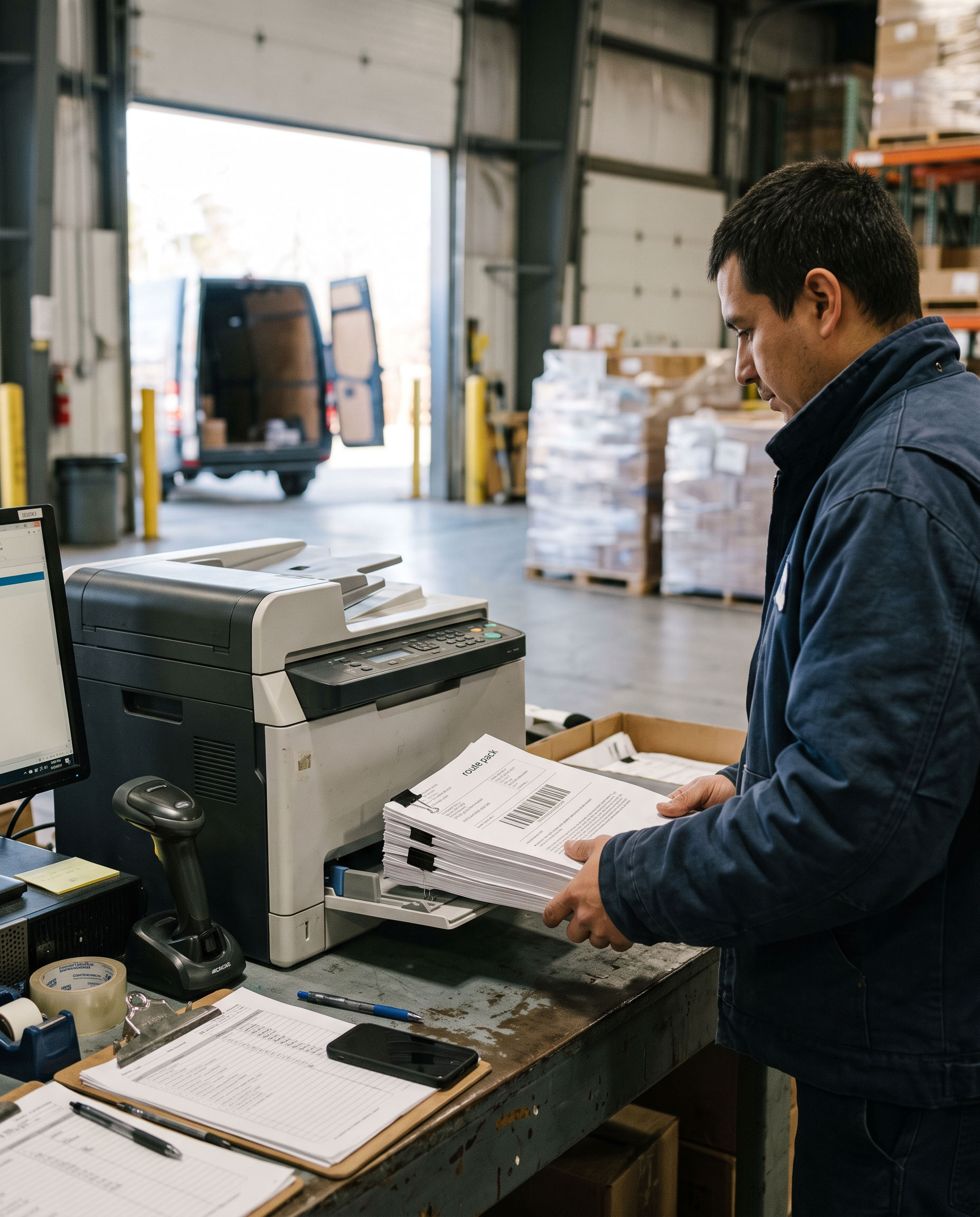
Combine them into the document set for each route, ready for the driver's output devices.
Stage 03 · Deliver & update
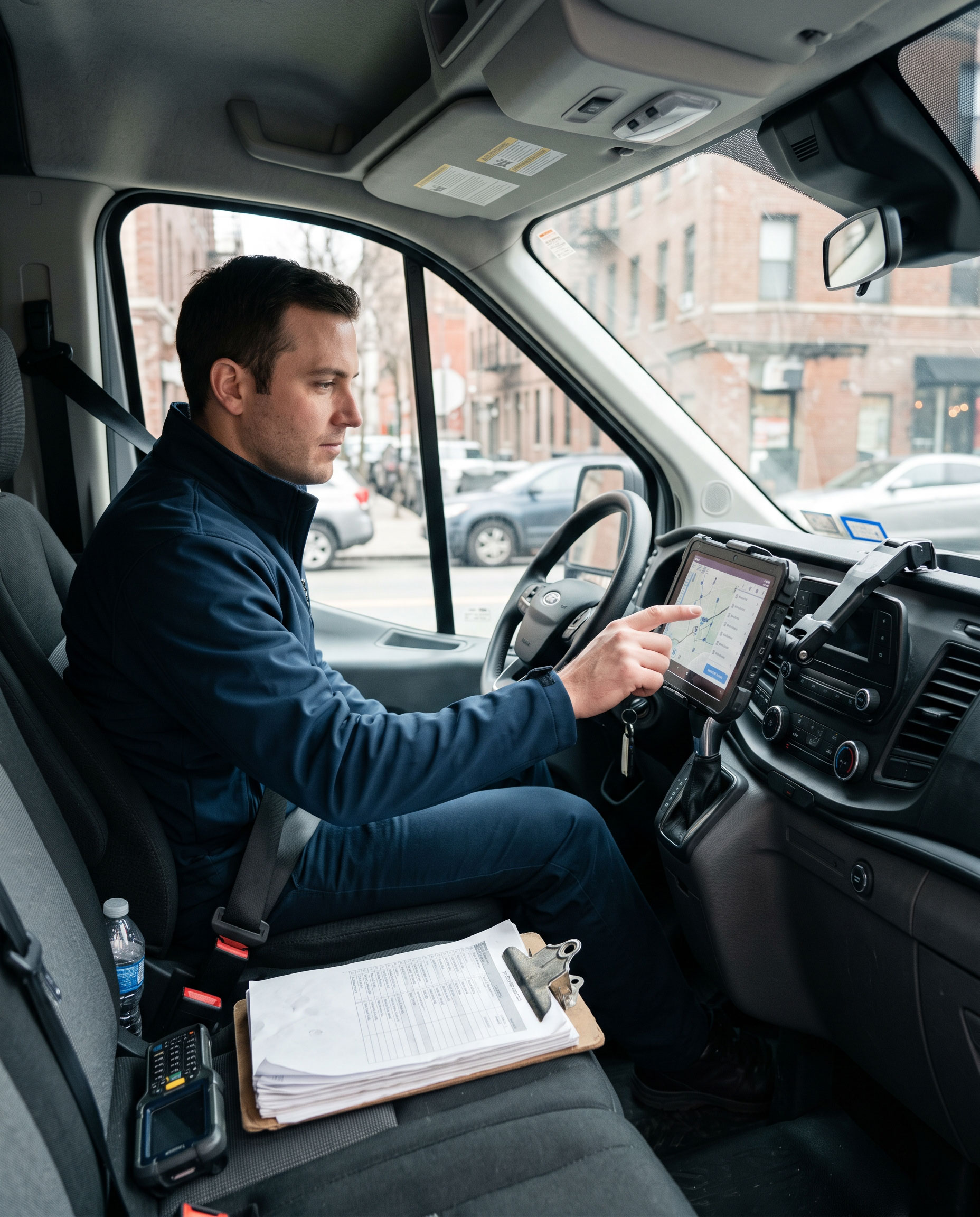
Send the pack to the driver and support updates when the delivery requires changes on the road.
Stage 04 · Capture
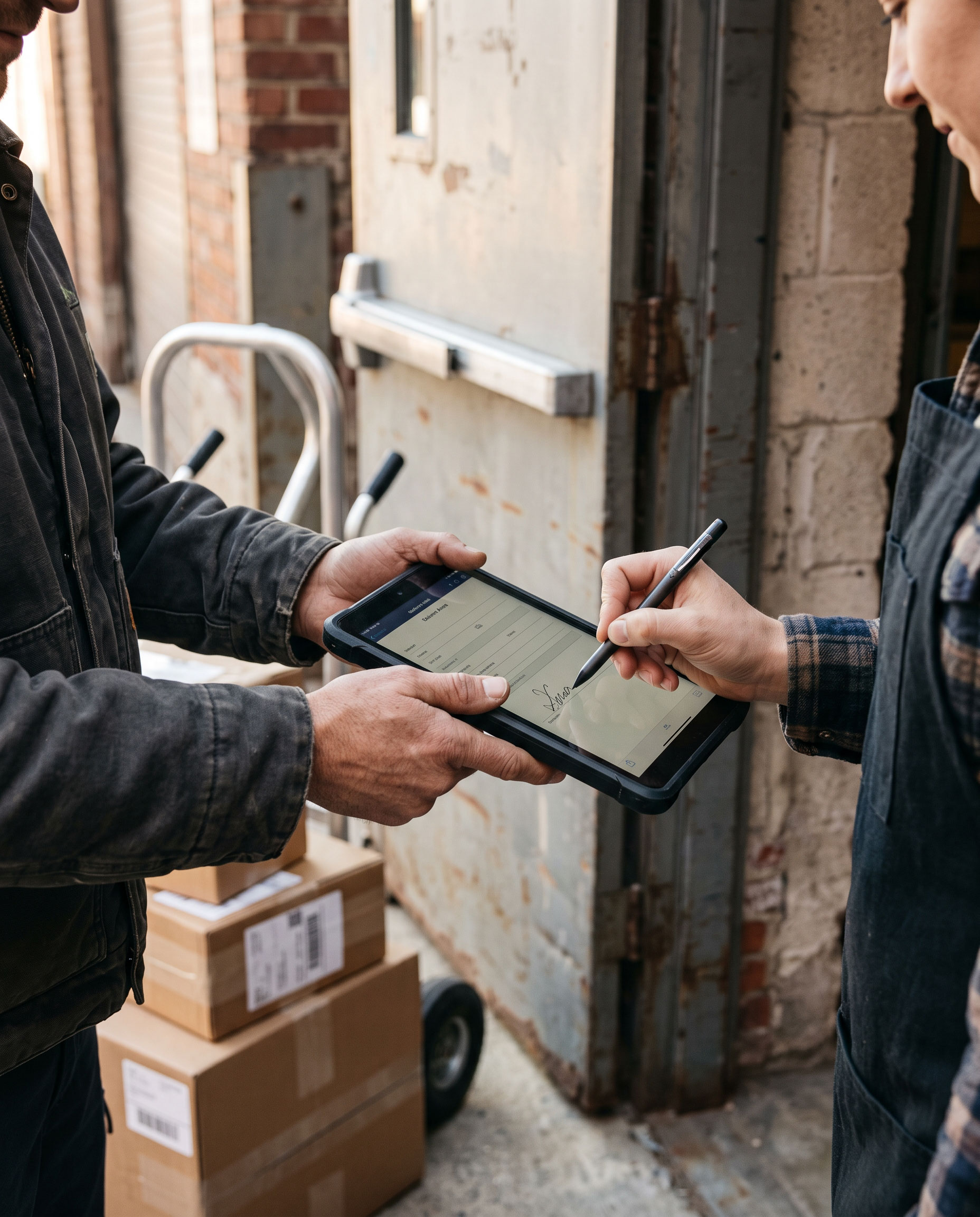
Collect the customer's signature on the delivery note — on paper or electronically — and generate the final PDF when electronic documents are used.
Stage 05 · Reconstruct & archive
Scan signed documents at a self-service station, rebuild complete documents with barcodes, and store them so they are available for the customer and for cash collection.
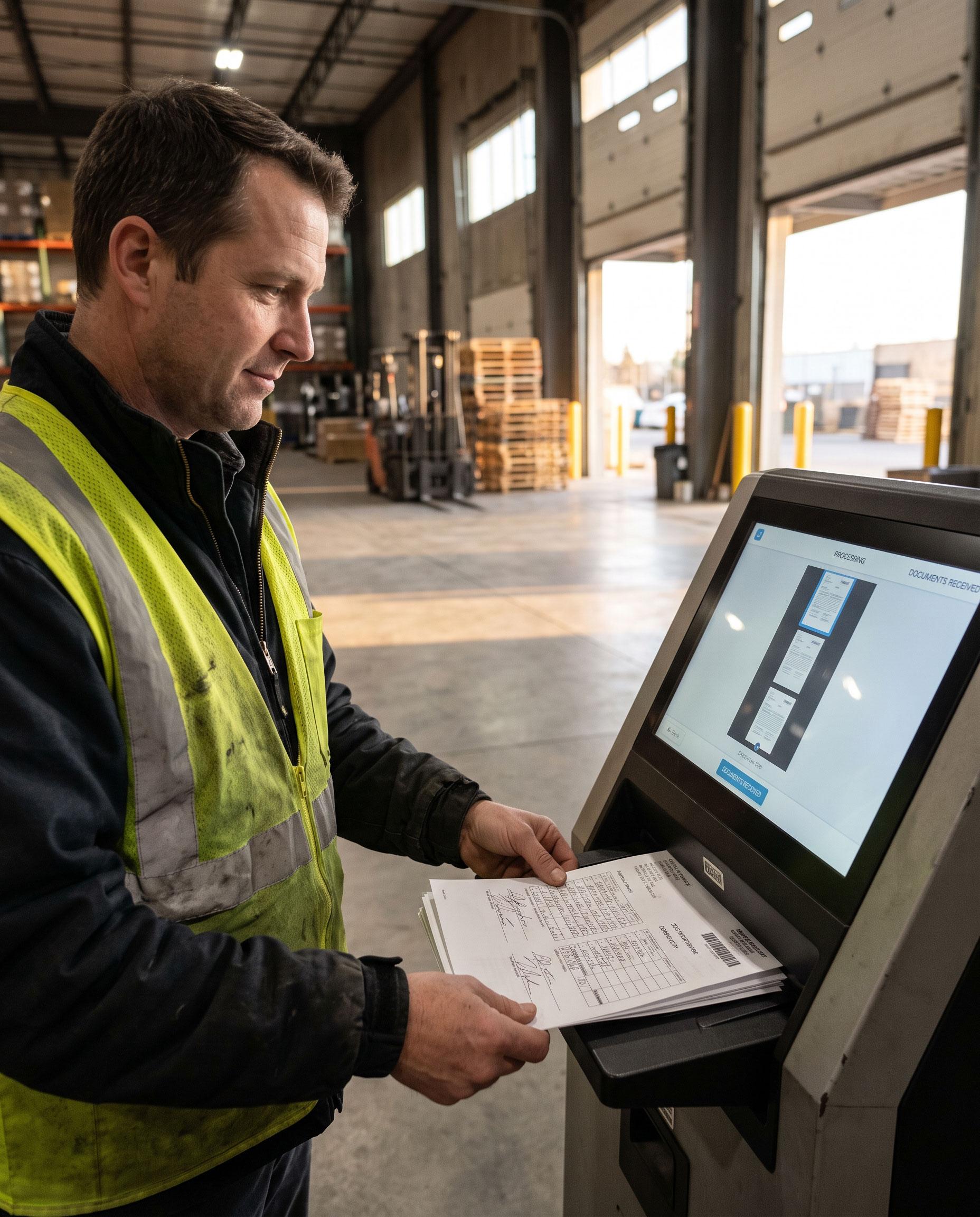
The result is a document flow that matches the speed of the route: fewer manual merges, fewer lost delivery notes, faster return handling and clearer proof when it is time to collect.
Capabilities
Receive documents from multiple sources and formats — including raw data, XML, PCL and PDF — without forcing every upstream application to change how it works.
Merge those documents into the set the driver needs, and send it to the logistic operator's output devices, instead of assembling packs by hand.
Let the driver update documents on the route and capture the end customer's signature on the delivery note. With electronic documents, capture the signature electronically and generate a final PDF that can be sent to the customer immediately.
When the route is complete, drivers scan signed documents at a self-service station and update the system — without waiting on a central admin desk.
Generate documents with a barcode on each sheet so complete documents can be rebuilt regardless of alignment or the order in which pages were scanned.
Store signed documents so they are immediately available to the customer. The excuse that a delivery note was lost or misplaced no longer holds up invoice payment — a frequent source of friction for logistics operators.
Use ZippyPath alongside other DocPath solutions when your processes require it: EngagePath to personalize customer communications from delivery-related data, and HubPath to archive and retrieve signed records over the long term.
Who it's for
ZippyPath is designed for transport, logistics and distribution organizations where document handling is part of operations, not a back-office afterthought.
Prepare route packs quickly and give drivers a reliable set of documents before they leave.
Update documents on the route, capture signatures and return signed records without long admin queues.
Retrieve signed delivery documents when customers ask — and when invoices need proof.
Integrate with existing logistics applications and DocPath solutions without replacing the systems that already run the network.
Part of the DocPath Path family
ZippyPath focuses on delivery-document logistics. Each solution can be deployed on its own; together they keep documents and customer context available across the journey.
Get started
Discover how ZippyPath can help your organization merge multi-source delivery documents, support proof of delivery and make signed records available for customers and for billing.


